How I Learned to Make UIs Go Click
What building audx taught me about sound design, Web Audio, and making interface sounds that don't get your app muted.
Most interfaces are completely silent. You press a button, something changes on screen, and that's it.
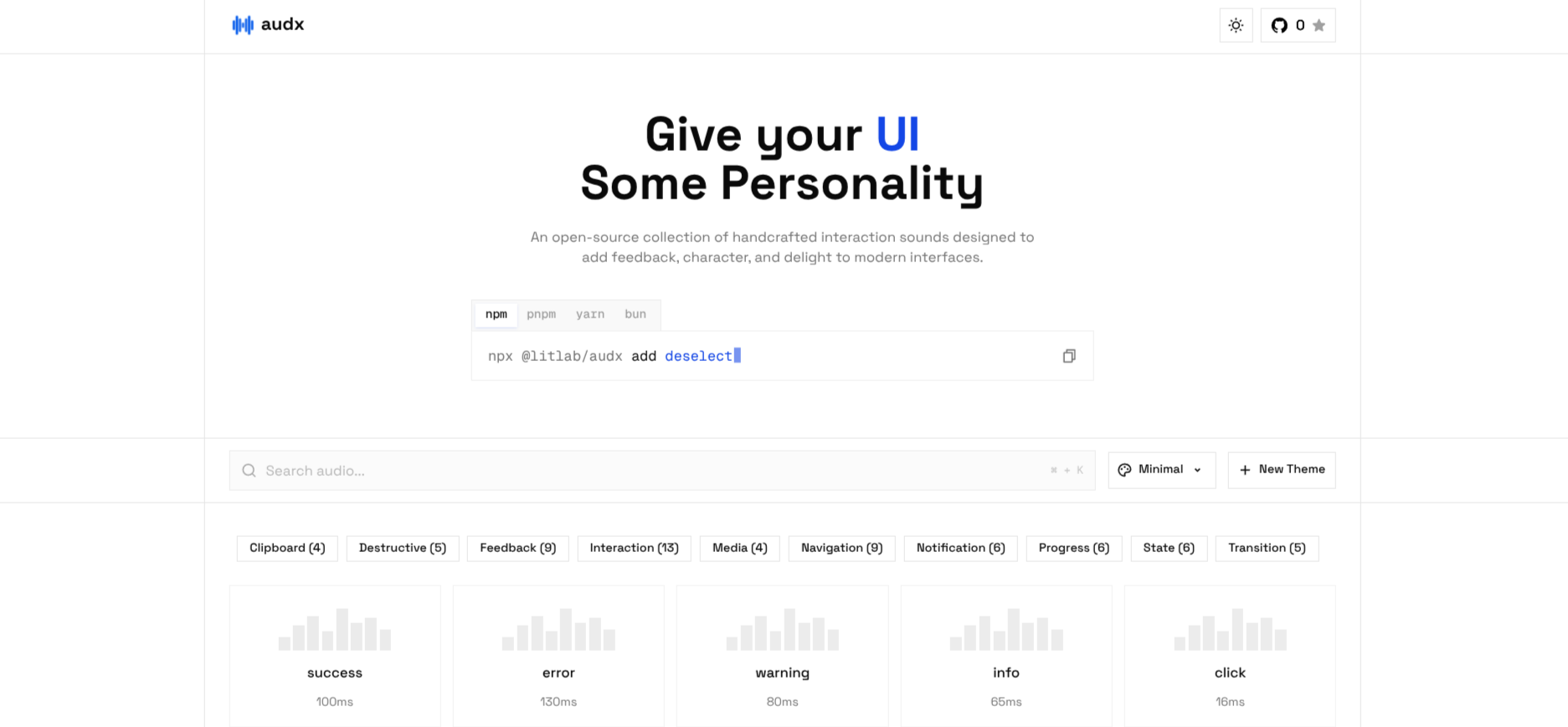
I wanted my UIs to feel physical, like a good keyboard. So I built audx, an open-source library of UI sounds. The catch: I knew nothing about sound engineering.
Here's what I figured out along the way.
Sounds are recipes, not files
My first instinct was a folder of .mp3s. Turns out you don't need them.
The Web Audio API can synthesize sound: an oscillator makes a tone and an envelope shapes its volume over time. A UI sound is just a tiny recipe, which makes it a few hundred bytes of JSON instead of an audio file.
import { defineSound } from "@litlab/audx"

export const pop = defineSound({
  source: { type: "sine", frequency: { start: 300, end: 1000 } },
  envelope: { attack: 0.001, decay: 0.04 },
  gain: 0.2,
})

pop()A sine that sweeps up from 300 Hz to 1000 Hz and dies in 40 ms. That's a "pop".
The oscillator shape is the sound's color. Sine is soft, triangle is a bit brighter, square is retro and buzzy, sawtooth is harsh.

A good click is two sounds
A single beep always sounded fake. The trick I eventually found: real clicks have a transient (the sharp "tick" of contact) and a body (the low "thock" that gives it weight).
So every sound in audx's mechanical theme is built from a couple of tiny atoms:
/** A short burst of filtered noise: the "tick". */
const clack = (freq: number, q = 3, decay = 0.008, g = 1) =>
  noise("white", [0, decay], { g, filter: bp(freq, q) })

/** A low falling sine: the "thock" that gives it weight. */
const thock = (freq = 170, decay = 0.03, g = 0.8) =>
  sine(sweep(freq * 1.4, freq), [0, decay], { g })

click: stack(clack(3400, 2.5, 0.009), thock(180, 0.028)),Noise through a band-pass filter at 3.4 kHz, plus a sine dropping to 180 Hz, with both gone in about 30 ms. Layering those two was the moment it started sounding like an actual switch.
Never cut to zero
My early sounds had an ugly little pop at the end. That happens when the volume jumps straight to silence, because the waveform gets chopped mid-cycle.
The fix is to never hit zero. Fade toward a tiny value instead, with a smooth exponential curve:
const SILENCE = 0.0001

node.gain.setValueAtTime(SILENCE, t)
node.gain.linearRampToValueAtTime(gain, t + attack)
node.gain.setTargetAtTime(SILENCE, t + attack, decay / 3)setTargetAtTime with a time constant of decay / 3 gets you about 95% of the way down by the end of the decay. No clicks, no pops.
Gain numbers lie
This one took me the longest. Two sounds with gain: 0.5 can sound wildly different in loudness. A bright noise burst sounds way louder than a soft sine at the same gain.
So I stopped trusting the numbers. audx's build step renders every sound offline and measures its loudness over a 50 ms window. Then it rescales the sound to hit a target for its role:
/** Short-term (50ms) loudness targets in dBFS by role. */
const CATEGORY_TARGET = {
  input: -27,
  selection: -24,
  navigation: -25,
  feedback: -21,
  notification: -22,
}

const SOUND_TARGET = { hover: -33, tick: -30, type: -29, tap: -28 }Frequent sounds like hover and type sit quiet. Rare ones like success get to be a bit louder. When designing, I only think about balance between layers, and the build takes care of absolute volume. Switching themes never makes your app suddenly louder.
The UX rules I ended up with
- Keep it short. Clicks last a few dozen ms. If a sound is still ringing when you click again, it's too long.
- Add jitter to repeats. The same keystroke sound 50 times in a row sounds robotic. A little random detune fixes it:
type({ jitter: { detune: 40, volume: 0.1 } })- Never play on page load. Browsers block audio until a user gesture anyway, so resume the
AudioContexton first interaction. - Sound is a second layer. Every sound must also have visual feedback. Lots of people browse muted.
- Always offer a mute. audx also stays silent when the user prefers reduced motion.
Making it tweakable
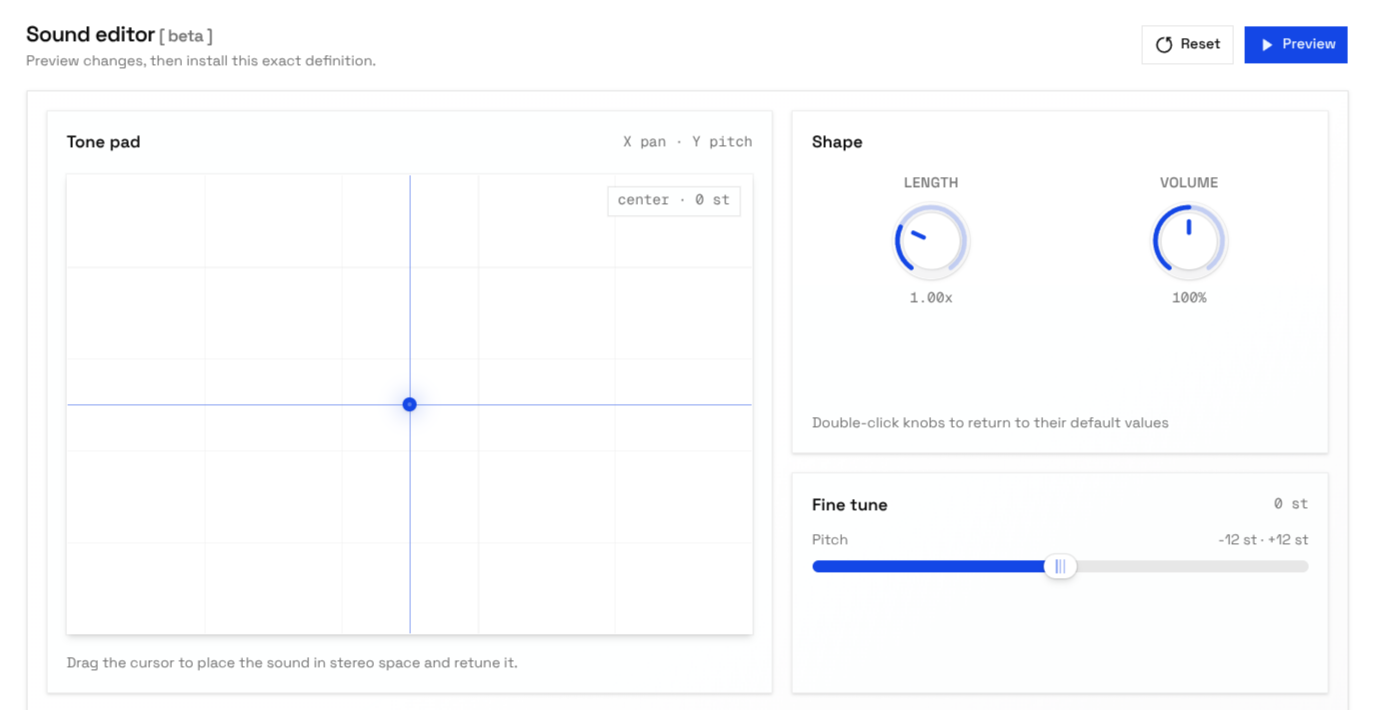
Sound is really hard to describe in words, so I built a sound editor on the site. You drag a pad to pan and pitch, turn knobs for length and volume, and install exactly what you hear.
Try it
pnpm dlx @litlab/audx init
Pick a theme, add more sounds any time with audx add click success, and re-skin every sound at once with audx theme mechanical.
import { click } from "@/sounds"

click()The sounds land in your repo as plain TypeScript you own. Read the code on GitHub or listen to every sound at audx.site.
Turns out sound design is mostly just good taste plus a bit of math. Now go make something click.